POS Software in Moscow: buy it once, use it for life.
POS Software in Moscow is only as good as your busiest Saturday queue. Smart POS is point of sale software you buy once and run on your own web hosting. Cashiers bill with barcode scanning, express checkout and keyboard shortcuts. Each sale updates stock as it closes.
- No monthly fees
- Self-hosted
- Unlimited users
Runs on and stores data on your own web hosting plan.
Every sale can be linked to a customer record, and existing contact lists import from a file, so a small business keeps its regulars in one place.
- Used in
- 140+ countries
- Currency
- RUB
- Tax
- VAT (NDS) 22%
- Monthly fee
- None from us
Subscription POS or a lifetime license?
Smart POS uses a lifetime license, so a fast checkout comes without a monthly fee from us. Here's how a subscription and Smart POS compare for a shop in Moscow.
| Question | Subscription POSPay every month |  Pay once, own it Pay once, own it |
|---|---|---|
| How you pay | Every month, for as long as you use it | Once, with a lifetime license |
| Users and terminals | Depends on the plan you pay for | Unlimited, at no extra charge |
| Where your data lives | On the provider's servers | On your own web hosting |
| If the plan lapses | Depends on the provider's terms | Nothing to renew with us. It keeps running on your hosting |
| Installation | Usually you set it up | We install it on your hosting, free |
What does your POS cost you now?
Type what you pay your POS provider each month. You see what renting costs over 3, 5 or 10 years, next to paying once for Smart POS.
Most subscriptions charge for each user. If yours charges for each terminal, enter that instead.
This is what renting costs you. Your one-time Smart POS price comes with your quote.
Over 5 years
Your POS now
…
Enter your monthly fee
 Pay once
One payment
Then no monthly fee from us
We install it free on your hosting, and your sales data stays with you. You only keep paying for your own web hosting.
| Cost | Your POS now | Smart POS |
|---|---|---|
| Every month | … | No monthly fee |
| Each extra user | … | No charge, unlimited users |
| Renewal | Every month you use it | Never, lifetime license |
| Over 5 years | … | One payment, priced in your quote |
Cost is one question, fit is the other: see what Smart POS does for your kind of business
Smart POS for every kind of business in Moscow
Each kind of business uses a different part of Smart POS. Choose yours below.
Retail POS for shops and grocery stores in Moscow
For retail and grocery, the checkout decides how long the queue gets. This retail billing software pairs barcode scanning and express checkout with live stock levels, so the line moves and the shelves stay stocked.
- Convenience Store
- Liquor Store
- Department Store
- Supermarket
- Supplier and purchase records
- Barcode labels on a thermal label printer
- Barcode scanning at the counter
POS for restaurants and cafes in Moscow
Restaurants and cafes in Moscow can allocate tables, take bookings and send orders from the till to the kitchen screen.
- Coffee Shop
- Food Court
- Bakery
- Pizzeria
- Express checkout for the lunchtime queue
- Table allocation with a server for each table
- Runs on tablets as well as computers
POS for pharmacies and medical stores in Moscow
Smart POS creates invoices and quotations as well as counter receipts, which suits a pharmacy in Moscow that sells to clinics and other trade buyers.
- Medical Shop
- Health Care
- Pharmacy
- Surgical Store
- A separate login for each pharmacist
- Customer records at the till
- Contact import from a file
POS for salons and spas in Moscow
Smart POS sends SMS and email notifications, so a spa can reach clients from the same system that bills them.
- Hair Salon
- Therapists
- Beauty Parlour
- Beauty Spa
- Electronic quotations before the work starts
- Activity log for each sale
- Appointments on a built-in calendar
Fashion retail POS in Moscow
A fashion store in Moscow can list every style without a product limit. Smart POS has no cap on products, customers or orders.
- Fashion Store
- Optical Shop
- Florist
- Boutique
- Sales reports by product
- Unlimited products and customers
- Discounts applied at the till
POS for electronics and mobile stores in Moscow
Smart POS keeps the sales and stock data of an electronics store on your own hosting, and you can export it at any time.
- Home Appliances Store
- Mobile Phone Store
- Video Games Accessories
- Electrical Store
- Low-stock alerts for fast-selling accessories
- Invoices and quotations
- Sell items by serial number
Your free demo and price for Moscow
Share your business type and contact details, and we send a price and a demo set up for a business in Moscow.
- Send the formYour business type, country and contact details. Nothing to pay.
- Get your price and demo by emailYour one-time price, plus a free demo account set up for your industry and country.
- We install it for youWhen you buy, we install Smart POS on your own web hosting at no extra charge.
Get your price and free demo
Two short steps. Your price and demo login come by email.
- No monthly fees from us
- Unlimited users
- Self-hosted
Prefer to chat? Message us on WhatsApp
Billing, stock and checkout features in Moscow
See all POS featuresSmart POS combines billing, stock control and a fast checkout for businesses in Moscow, with no limit on products or orders.
Express checkout for busy hours
As POS billing software, Smart POS rings up a sale with a barcode scan, a product search or express checkout. Keyboard shortcuts cut the clicks on everyday sales, so the queue keeps moving.
An activity log for every action
Smart POS logs each action with the user, the time and the device. When a number looks wrong, the owner can see who changed it and when.
SMS and email notifications
Smart POS sends SMS and email notifications to customers from the same system that makes the bill. Each notice goes to the contact details saved on the customer record.
Tables and kitchen orders in one system
Smart POS allocates tables, assigns a staff member to each one and sends orders to the kitchen screen. The bill for the table is ready in the same system when the guests ask to pay.
Smart POS Software in Moscow: one payment, no subscription
Smart POS charges once and then stays out of your monthly budget. The only running cost is the hosting plan you already control.
- Every terminal included
- Staff roles without limits
- No limit on customers
- Any number of products
- Unlimited users
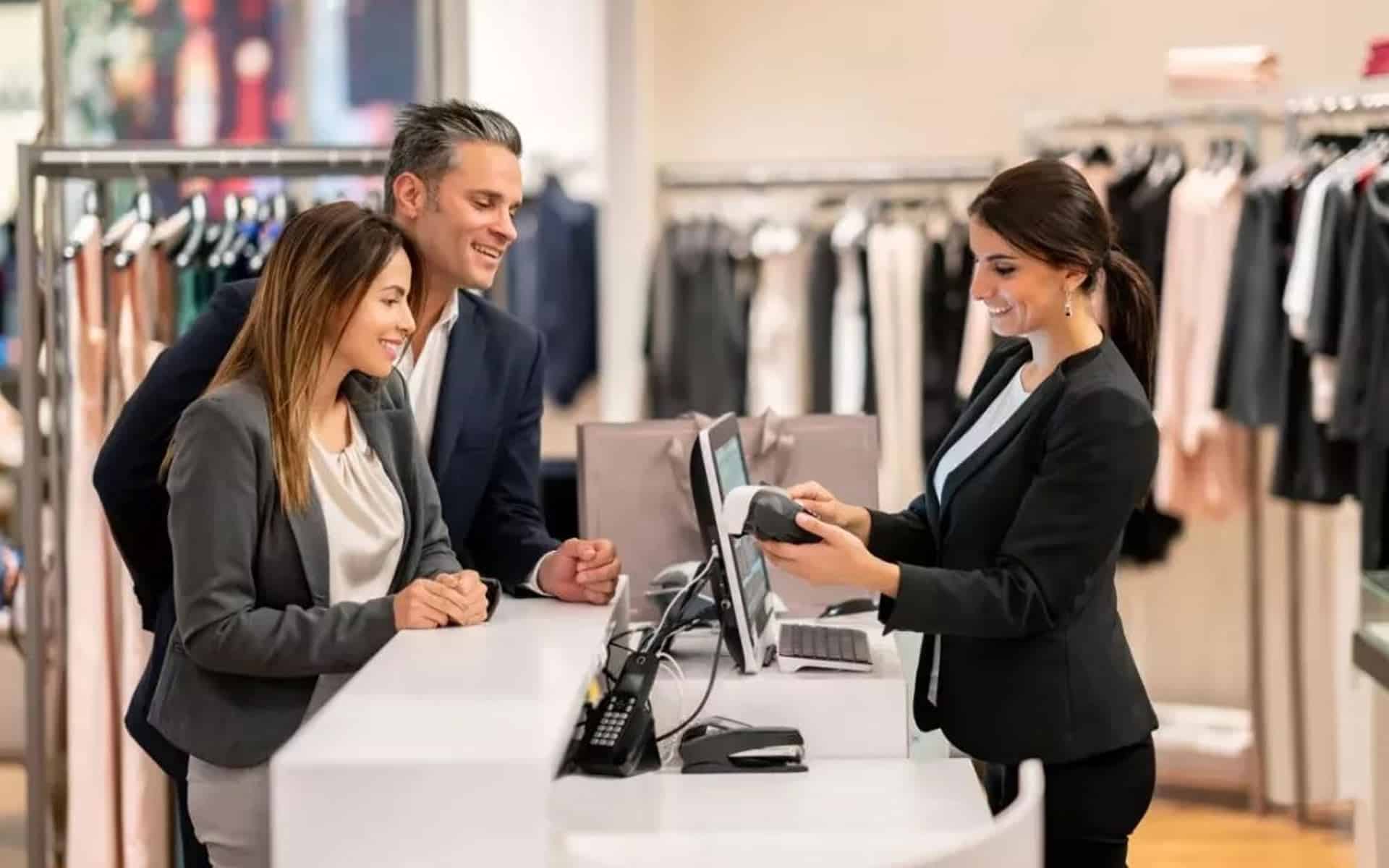
Counter hardware, staff and kitchen in one POS
Smart POS brings counter hardware, staff roles and kitchen orders into one POS for a business in Moscow.
Print receipts and open the drawer
Smart POS prints receipts on a thermal receipt printer and opens the cash drawer connected to it, so the counter works the way cashiers expect.
As many tills as you need
Smart POS has no limit on terminals or users. A second till for busy hours or a new cashier costs nothing extra from us.
17 languages built in
Every cashier can work in the language they know best, from English and French to Arabic, Hindi and Chinese.
Tablets and phones at the counter
Smart POS runs in the browser on Android and iOS as well as on Windows, Mac and Linux, so a tablet can work as a second till.
Will Smart POS work with your devices?
There is no new terminal to buy. Tick the devices in your shop to see how each one works with Smart POS.
Screens
At the counter
Tick your devices to check them.
- Windows PC or laptopRuns in Chrome, Edge or Firefox.
- MacRuns in Safari, Chrome or Firefox.
- Linux PCRuns in Chrome or Firefox.
- Android tablet or phoneRuns in the browser on Android.
- iPad or iPhoneRuns in Safari or Chrome on iOS.
- Barcode scannerBarcode scanners are supported.
- Receipt printerDirect Thermal receipt printers are supported.
- Label printerDirect Thermal label printers, for your own barcode labels.
- Cash drawerA standard cash drawer, connected to the receipt printer.
Running more than one store? Ask for the multi-store add-on when you request your quote.
Software that belongs to the owner
Smart POS is built for owners who want control. Every user, setting and record sits on hosting that you pay for and manage.
Expenses and purchases
Record supplier purchases and day-to-day shop expenses next to your sales, so you see what the business really earns.
What comes with Smart POS in Moscow
A Smart POS license comes with your data on your own hosting. The database stays on that account, and you can export it whenever you need a copy.
Built for bars, pizzerias and restaurants in Moscow that take orders at the table and send them to the kitchen.
At a glance
- Runs onThe devices you already own, in a web browser
- Installed byOur team, on your hosting, free
- Languages17 built in, from English and French to Arabic and Chinese
- UsersUnlimited, no per-user fee
Included with every license
- Live stock levels. Stock updates with every sale, so you know what is on the shelf.
- Roles and permissions. Decide what each staff member can see and do.
- Tax rates and groups. Create the rates your products need and change them at any time.
- Bookings and appointments. Schedule each job on a built-in calendar.
- Discounts and charges. Apply discounts, taxes and shipping on the POS screen.
Last check: see how much control you have over your POS today
Check how much control you have over your POS
Tap an answer for each question to see where you stand, and how Smart POS compares.
Does your POS keep your sales data on the provider's servers?
Smart POS: Your sales data sits on your own web hosting, under your control.
If your POS plan lapsed, would your checkout stop working?
Smart POS: Nothing to renew with us. It keeps running on your hosting.
Can your provider raise the monthly price?
Smart POS: One payment for a lifetime license, so there is no monthly fee from us to raise.
Do you pay more when you add staff or a till?
Smart POS: Unlimited users and terminals, at no extra charge.
Smart POS for businesses across Moscow
Smart POS runs the same way for a small shop in Moscow as for a large one, with no limit on users or tills.
Shops in Moscow
Moscow is a very large city, and a business here can start with one counter and add tills or staff later at no extra cost from us.
Across Russian Federation
Shops across Russian Federation can sell from a laptop, a tablet or a phone, because Smart POS runs in Chrome, Safari, Firefox or Edge.
Faster billing at the counter
Cashiers in Moscow scan a barcode, search by name or use a shortcut, and the sale closes in a few steps. Stock and the sales report update as each bill prints.
Moscow at a glance
Figures are rounded. Country figures: World Bank Open Data, latest year available, GDP in current US dollars.
- Region
- Moskva
- People in Moscow
- 17.7 million
- Share of Russian Federation
- 12%
- People in Russian Federation
- 143.5 million
- GDP per person
- US$18,000
Selling in Moscow
Shops in Moscow bill in Russian Ruble (RUB) and set up the standard 22% VAT (NDS) rate once, under Settings, Tax Rates. Set RUB as your store currency, and every price, receipt and report uses it.
Tax information checked October 2026. Confirm how tax applies to your products with your accountant.
Each member of staff chooses a language
Smart POS has 17 languages built in. Tap a language to check it.
Spoken in Russian Federation
What to know before you buy
Smart POS answers for Moscow cover payment, setup, currency, tax and staff languages.
Need a quick answer?
Message us on WhatsApp or by email with your question.
Message us on WhatsApp sales@smartpossoftware.comDo I own Smart POS for life?
Yes. One payment buys a lifetime license, so the software keeps running on your hosting with nothing to renew with us. We charge no monthly, per-user or per-terminal fees. Your web hosting is the one cost you keep, and multi-store is an optional add-on priced in your quote.
Who installs Smart POS?
Our team installs Smart POS on your own web hosting account at no extra charge. A normal shared hosting plan is enough, with no dedicated server. Once it is installed, you add your products, staff and tax rates, and your data stays on your hosting, where you can export it at any time.
Does Smart POS work as retail billing software in Moscow?
Yes. Smart POS handles retail billing in Moscow at the counter and on paper. Walk-in customers get a printed receipt, and trade customers get an invoice or a quotation with discounts and taxes applied, all from the same product list.
Can Smart POS bill in Russian Ruble?
Yes. Set Russian Ruble (RUB) as your store currency, and every price, receipt and report in Smart POS uses it. You choose the currency once during setup, and our team installs the software on your hosting at no extra charge.
How do I set up VAT (NDS) in Smart POS?
Smart POS uses the VAT (NDS) rates you enter under Settings, Tax Rates. Add the standard 22% rate once, create tax groups for products with other rates, and every bill applies the right one. Check the rates for your products with your accountant.
Which languages can staff in Moscow use in Smart POS?
Smart POS has 17 built-in languages, including English, Spanish, Hindi, Arabic, Chinese and 12 more. Each user picks one for their own login, so two cashiers in Moscow can bill side by side in different languages. If a language your staff speak is not on the list, ask us before you buy.
Keep your POS and your data.
Smart POS can show how quickly your counter bills in a free demo set up for your kind of business in Moscow. Your one-time price arrives by email with it.
Smart POS Software, a brand of OnClick Technologies. Last updated October 2026.